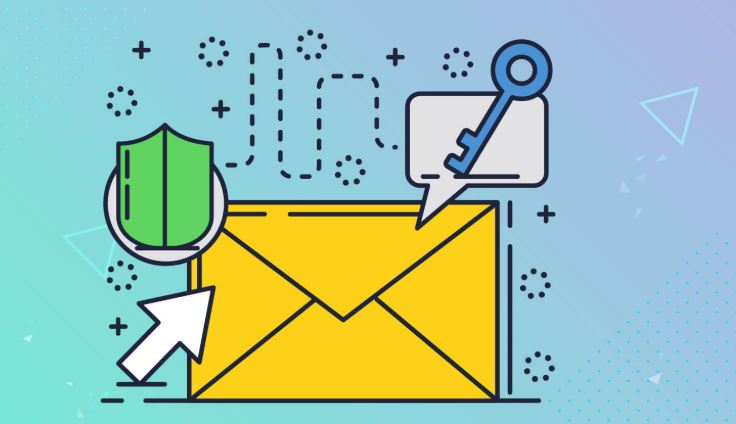
Email is a primary target for cybercriminals due to its role in personal and financial communications. Creating a secure email account is essential for protecting sensitive data and preventing phishing attacks. This guide will walk you through the best practices for setting up a secure email account.
Step 1: Choose a Privacy-Focused Email Provider
Not all email providers prioritize security. Here are some of the best options:
🔹 ProtonMail – End-to-end encryption and zero-access encryption.
🔹 Tutanota – Encrypted emails, two-factor authentication (2FA).
🔹 Mailfence – Strong encryption with OpenPGP support.
🔹 StartMail – Private email with anonymous payment options.
📌 Tip: Avoid free mainstream services like Gmail or Yahoo if you prioritize privacy, as they may scan your emails for advertising.
Step 2: Use a Strong and Unique Password
Your email password should be:
✔ At least 12–16 characters long
✔ A mix of uppercase, lowercase, numbers, and symbols
✔ Not used for any other account
📌 Tip: Use a password manager like Bitwarden or 1Password to store and generate complex passwords.
Step 3: Enable Two-Factor Authentication (2FA)
2FA adds an extra layer of security by requiring a second form of verification.
Best 2FA Methods (Ranked by Security Level)
✅ Hardware security keys (e.g., YubiKey, Google Titan)
✅ Authenticator apps (e.g., Google Authenticator, Authy)
❌ SMS-based 2FA (Less secure due to SIM swap attacks)
📌 Tip: Always use app-based or hardware-based 2FA instead of SMS when possible.
Step 4: Use an Alias or Disposable Email Address
For extra privacy, avoid using your real name in your email address.
🔹 Alias emails (e.g., SimpleLogin, AnonAddy) help mask your real email.
🔹 Disposable emails (e.g., TempMail, Guerilla Mail) are great for one-time use.
📌 Tip: Use different aliases for banking, social media, and subscriptions to minimize exposure.
Step 5: Enable Email Encryption
End-to-end encryption ensures that only you and the recipient can read the email.
🔹 PGP Encryption – Used by ProtonMail, Tutanota, and Mailfence.
🔹 S/MIME Encryption – Ideal for corporate emails (requires certificate setup).
📌 Tip: If your email provider doesn’t support encryption, use a third-party tool like GnuPG to encrypt emails manually.
Step 6: Secure Your Email Account from Phishing Attacks
Phishing is a major threat to email security. Protect yourself by:
✅ Not clicking on links in unexpected emails.
✅ Verifying senders before responding to requests for sensitive info.
✅ Checking for HTTPS in URLs before entering login details.
✅ Using security-focused browsers like Brave or Firefox.
📌 Tip: Use email security extensions like Mailvelope for encryption and uBlock Origin to block malicious scripts.
Step 7: Regularly Monitor and Update Security Settings
✔ Enable login alerts to detect unauthorized access.
✔ Check account activity for suspicious logins.
✔ Update your recovery options (but avoid using SMS-based recovery).
📌 Tip: If you suspect a breach, change your password immediately and enable multi-factor authentication.
Final Thoughts
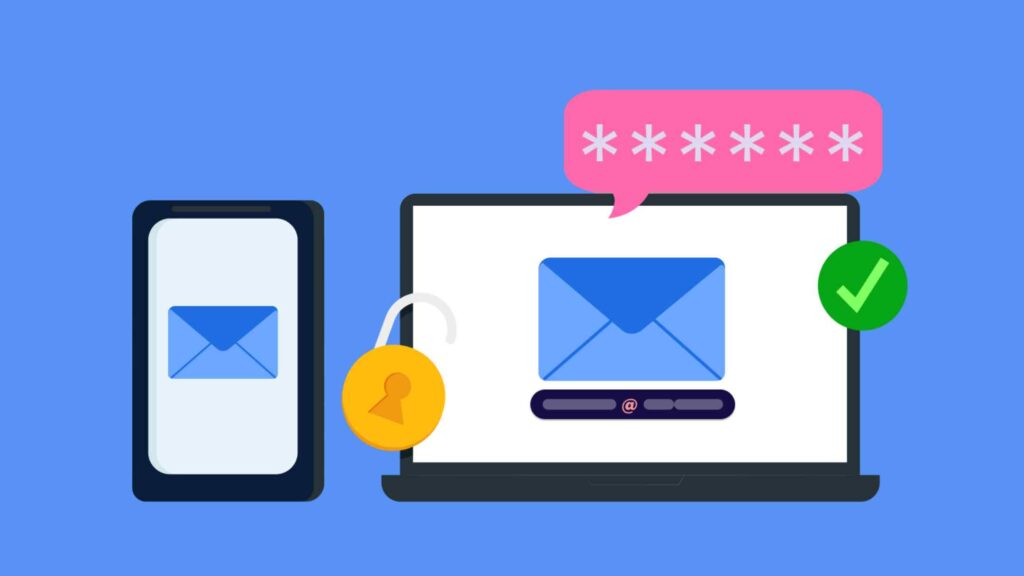
By following these steps, you can create a highly secure email account that protects your privacy from hackers and surveillance. Always prioritize encryption, strong passwords, and two-factor authentication for maximum security.
💬 What security features do you look for in an email provider? Share your thoughts below!