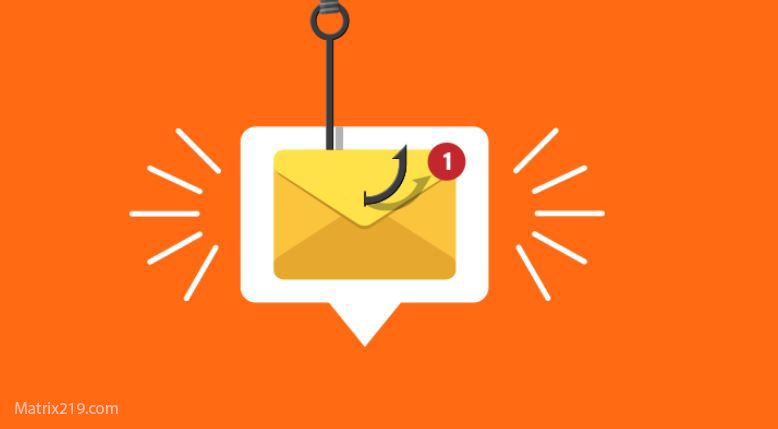
Phishing emails remain one of the most prevalent and effective cyber threats, as they exploit human trust rather than technical vulnerabilities. These messages are designed to deceive users into revealing sensitive information such as login credentials, financial details, or personal data by impersonating legitimate organizations or contacts. Falling victim to a phishing attempt can result in account compromise, financial loss, and identity theft. Understanding how to recognize common phishing indicators—such as suspicious sender addresses, urgent language, unexpected attachments, and misleading links—is essential for protecting personal data and maintaining account security.
Common Signs of a Phishing Email
Suspicious Sender Address – The email may come from an address that looks official but has slight misspellings (e.g., support@paypa1.com instead of support@paypal.com).
Urgent or Threatening Language – Phishers create a sense of urgency to trick you into acting quickly (e.g., “Your account will be suspended in 24 hours!”).
Unexpected Attachments or Links – Phishing emails often contain links to fake websites or attachments with malware.
Spelling and Grammar Errors – Official emails from reputable companies are usually well-written. Poor grammar and typos are red flags.
Requests for Personal Information – Legitimate companies will never ask for sensitive information via email (e.g., passwords, Social Security numbers, or credit card details).
How to Verify a Suspicious Email
Check the Email Address Carefully
Hover over the sender’s email address to see if it matches the official domain (e.g., support@amazon.com, not support@amaz0n.co).
Hover Over Links Before Clicking
Before clicking any link, hover over it to check the actual URL. If it leads to an unfamiliar site, don’t click.
Look for Personalization
Legitimate companies usually address you by name. Generic greetings like “Dear Customer” can be a sign of phishing.
Check for Official Contact Methods
If in doubt, contact the company directly through their official website or customer service number.
Use an Email Scanner
Services like Google Safe Browsing, VirusTotal, and built-in email security tools can analyze suspicious links and attachments.
What to Do If You Receive a Phishing Email?
Do Not Click on Any Links or Download Attachments
Do Not Reply or Provide Personal Information
Mark the Email as Spam and Report It
Delete the Email Immediately
Change Your Passwords if You Clicked on a Phishing Link
How to Protect Yourself from Phishing?
Enable Two-Factor Authentication (2FA) for extra security.
Use a Password Manager to prevent credential theft.
Keep your antivirus software and browser updated.
Regularly review your account activity for unauthorized logins.
Stay informed about new phishing techniques.