In an era where online privacy is constantly at risk, using a VPN (Virtual Private Network) has become one of the best ways to protect your personal data, bypass censorship, and stay anonymous online. In this guide, we’ll explain how VPNs work, why you need one, and how to use them effectively.
Why Do You Need a VPN for Online Privacy?
🔒 Encrypts Your Internet Traffic – Prevents ISPs, hackers, and governments from spying on your online activities.
🌍 Hides Your IP Address – Masks your real location, making it harder for websites to track you.
🛡️ Protects You on Public Wi-Fi – Secures your connection when using free Wi-Fi at airports, cafes, and hotels.
🚫 Bypasses Geo-Restrictions – Access websites and streaming services blocked in your country.
How Does a VPN Work?
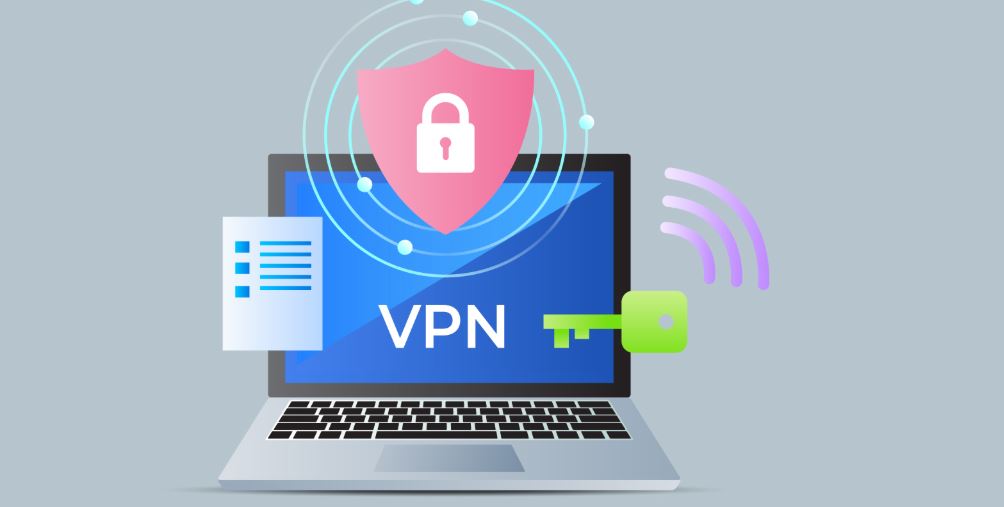
A VPN creates a secure tunnel between your device and a remote server, encrypting all your internet traffic. Instead of using your real IP address, websites only see the VPN server’s IP, ensuring anonymity.
How to Use a VPN for Online Privacy
Step-by-Step Guide: How to Use a VPN for Privacy
1. Choose a Reliable VPN Provider
Look for a trusted, no-log VPN that offers:
✔ Strong encryption (AES-256-bit)
✔ Fast speeds for streaming and browsing
✔ Multiple server locations
✔ Kill switch & DNS leak protection
🛠️ Best VPNs for Privacy:
🔹 NordVPN – Strong security features & no logs
🔹 ExpressVPN – Fast and reliable
🔹 ProtonVPN – Privacy-focused, based in Switzerland
2. Download & Install the VPN App
- Go to the VPN provider’s website.
- Sign up for an account and choose a plan.
- Download and install the app on Windows, macOS, Android, iOS, or router.
3. Connect to a VPN Server
- Open the VPN app and log in.
- Choose a server location (e.g., USA for Netflix, UK for BBC iPlayer).
- Click Connect – your internet traffic is now encrypted!
📌 Tip: Use a server close to your location for the best speeds.
4. Enable Advanced Privacy Features
✔ Kill Switch – Automatically disconnects your internet if the VPN drops to prevent leaks.
✔ Split Tunneling – Allows you to route some traffic through the VPN while keeping others on your local network.
✔ DNS Leak Protection – Ensures your ISP doesn’t track your activity.
5. Test Your VPN for Privacy Leaks
🔍 Check if your IP address has changed by visiting WhatIsMyIP.com.
🔍 Run a DNS leak test on dnsleaktest.com.
🔍 Use WebRTC Leak Test to see if your browser exposes your real IP.
VPN Security Tips for Maximum Privacy
✅ Use a VPN on All Devices – Phones, laptops, and smart TVs.
✅ Avoid Free VPNs – Many track and sell your data.
✅ Enable Multi-Hop VPN (Double VPN) – Adds an extra layer of encryption.
✅ Use Tor Over VPN – For extreme anonymity, combine VPN with Tor.
Final Thoughts
A VPN is one of the best tools for protecting your privacy, securing your data, and staying anonymous online. Whether you’re browsing, streaming, or using public Wi-Fi, a trusted VPN ensures your information remains safe.
🔹 Best Overall VPN: NordVPN
🔹 Best Free VPN for Privacy: ProtonVPN
📢 Start using a VPN today and take control of your online privacy!