Phishing links and phishing attachments represent two primary delivery methods used in modern phishing attacks. While both aim to manipulate users into enabling compromise, they differ fundamentally in execution, detection difficulty, and impact.
Understanding how each method operates is essential for recognizing risk patterns and applying the correct defensive response before irreversible damage occurs.
What Are Phishing Links?
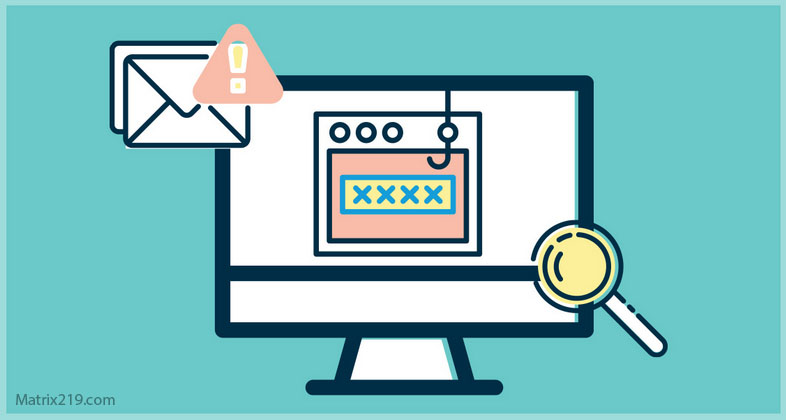
Phishing links are malicious URLs embedded in emails, messages, QR codes, or ads that redirect victims to attacker-controlled destinations.
These links are typically used to:
-
Harvest login credentials
-
Impersonate legitimate services
-
Trigger secondary actions such as MFA fatigue
This delivery method closely aligns with behavioral manipulation patterns described in Social Engineering: The Complete Guide to Human-Based Cyber Attacks (2026), where trust and urgency override technical scrutiny.
What Are Phishing Attachments?
Phishing attachments are files sent to victims that contain embedded malicious content rather than redirecting them externally.
Common formats include:
-
PDF documents
-
Word and Excel files
-
ZIP archives
-
HTML attachments
Unlike links, attachments are often designed to deliver malware, ransomware, or remote access tools directly onto the system.
How Phishing Link Attacks Work
Phishing link attacks rely on redirection rather than payload delivery.
Typically, the attack flow includes:
-
Redirecting the victim to a fake login page
-
Capturing credentials in real time
-
Forwarding the user to a legitimate site to reduce suspicion
This approach is frequently used in account takeover scenarios discussed in Account Security and Recovery – How to Recover Hacked Accounts Legally, where victims remain unaware until access has already been abused.
How Phishing Attachment Attacks Work
Phishing attachments focus on system-level compromise.
These attacks often:
-
Exploit macros or embedded scripts
-
Execute malware after user interaction
-
Establish persistence on the device
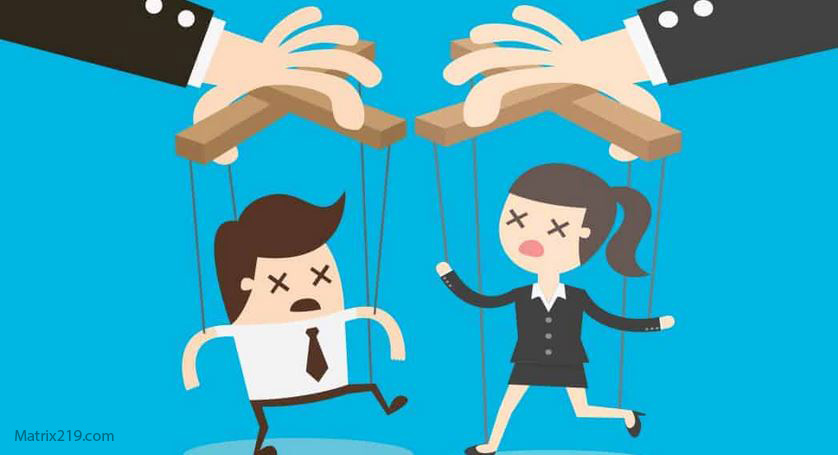
Attachment-based attacks are more technical but depend just as heavily on user trust, making them a hybrid of malware delivery and social engineering.
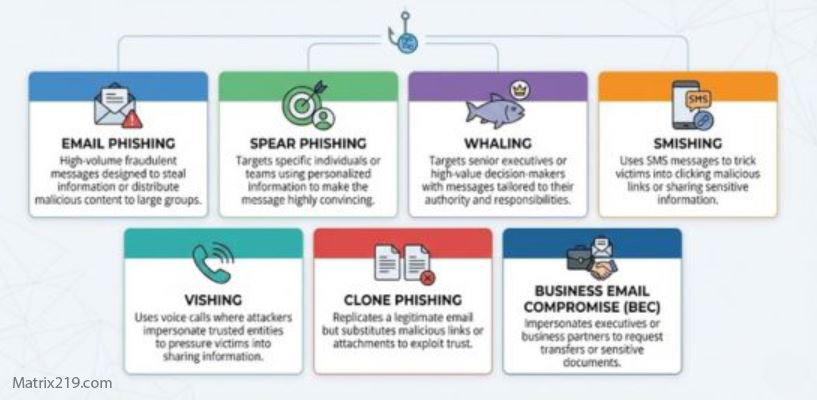
phishing links vs phishing attachments
Detection Differences Between Links and Attachments
Phishing links are harder to block because:
-
URLs change rapidly
-
Legitimate domains are often abused
-
Shortened links obscure destinations
This adaptability mirrors risks analyzed in Online Scams & Digital Fraud: How to Spot, Avoid, and Recover (2026 Guide), where speed outpaces automated filtering.
Phishing attachments, by contrast, trigger more alerts because:
-
File types can be restricted
-
Malware signatures are detectable
-
Sandboxing can reveal behavior
As a result, attachments face stronger technical scrutiny—but still succeed through persuasion.
User Behavior and Decision-Making Impact
Users tend to click phishing links because:
-
Clicking feels routine
-
Login prompts appear normal
-
Urgency discourages verification
Attachments, however, generate more hesitation. Users are often cautious unless the file appears work-related or contextually expected.
This behavioral gap explains why links remain the most successful phishing vector overall.
Which Is More Dangerous?
The danger depends on attacker intent.
Phishing links are more dangerous when:
-
Credential theft is the goal
-
Silent account takeover is intended
-
MFA bypass techniques are used
Phishing attachments are more dangerous when:
-
Malware or ransomware is deployed
-
System compromise is required
-
Lateral movement is planned
In practice, links cause more breaches, while attachments cause more immediate technical damage.
How Both Methods Bypass Security Controls
Both phishing links and attachments bypass defenses by exploiting valid user actions rather than technical vulnerabilities.
This reinforces a key principle explained in How Social Engineering Attacks Bypass Technical Security: Security tools fail when users are convinced to authorize the attack themselves.
Real-World Phishing Campaigns
Modern phishing campaigns often combine both methods:
-
Initial phishing links harvest credentials
-
Follow-up attachments deliver malware
This layered approach increases success rates and aligns with evolving tactics outlined in AI-Driven Social Manipulation, where automation enhances scale but still relies on human behavior.
External Perspective on Phishing Delivery Methods
Independent cybersecurity research consistently shows that phishing links account for the majority of account compromises, while phishing attachments are responsible for high-impact malware incidents, as documented in Verizon Data Breach Investigations Report – Phishing Analysis.
Conclusion
Phishing links vs phishing attachments is not a question of which method is universally worse, but which is better suited to the attacker’s objective.
Links dominate credential theft and account takeover.
Attachments dominate malware delivery and system compromise.
Understanding these differences allows individuals and organizations to apply defenses where they matter most—before trust becomes the point of failure.