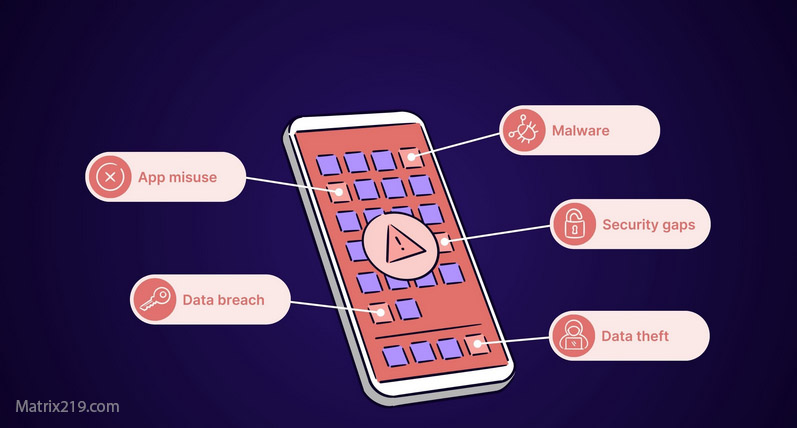
Signs your Android phone is hacked are often different from generic phone issues because Android allows deeper system access, broader permissions, and device-level customization. That flexibility is powerful—but it also gives attackers more places to hide if a malicious app or spyware slips through.
This article focuses on Android-specific indicators of compromise, not general myths. You’ll learn how to spot warning signs tied to permissions, Google account behavior, system services, and background processes. If you use an Android device and something feels wrong, this guide helps you decide whether you’re dealing with normal Android behavior—or a real security incident that requires action.
Quick Navigation
Android Behaviors That Can Signal Phone Compromise
Some warning signs appear only on Android due to how the system works.
System changes you didn’t approve
-
Security settings toggled off
-
Unknown accessibility services enabled
-
Device admin apps you can’t remove
These changes are rarely accidental and deserve investigation.
For the big-picture response plan, review: If Your Phone Is Hacked: How to Know, What to Do, and How to Stay Safe
Google Account Activity Linked to Android Hacking
On Android, the Google account is the control center.
Red flags tied to Google account compromise
-
New devices listed in Google security
-
Login alerts you didn’t trigger
-
Sync activity when the phone is idle
If your Google account is affected, follow the structured recovery flow here: If Your Phone Is Hacked: Step-by-Step Recovery Guide (Android & iPhone)
Suspicious Apps and Permission Abuse on Android
Most Android compromises rely on permission misuse, not exploits.
High-risk permissions to audit
-
Accessibility access
-
Device administrator rights
-
Notification access
-
VPN or network control
Apps abusing these permissions can read screens, log input, or persist after reboots.
To understand how attackers stay invisible, see: How hackers hide on phones

App permissions security
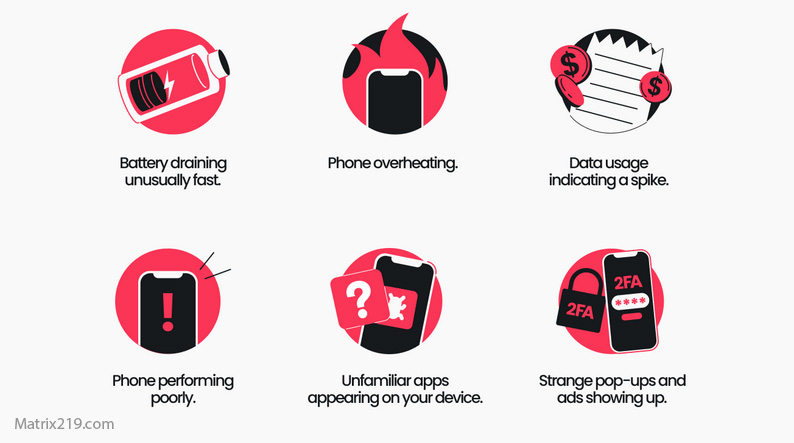
Performance Clues: Battery, Heat, and Background Data
Performance alone isn’t proof—but patterns matter.
Android-specific performance indicators
-
Battery drain even in safe mode
-
Persistent overheating without heavy use
-
Background data usage from unknown apps
If these signs appear together, the risk is higher.
Related symptom analysis: Is fast battery drain a hacking sign?
Play Protect, Antivirus, and Their Limits on Android
Android includes built-in and third-party defenses.
What Android security tools detect well
-
Known malware from unofficial sources
-
Clearly malicious apps
Where they fall short
-
Spyware using legitimate permissions
-
Apps disguised as system utilities
Manual permission review remains critical.
Rooted Phones and Elevated Risk
Root access changes everything.
Why rooted Android phones are vulnerable
-
Malware can gain system-level persistence
-
Factory resets may fail to remove threats
If your phone is rooted and compromised, cleanup decisions differ significantly.
Learn more here: Rooted phone risks
When Android Hacking Is Very Likely
Treat the device as compromised if:
-
Unknown permissions cannot be revoked
-
Google account shows unauthorized access
-
Behavior continues after safe-mode testing
At this point, containment and recovery steps matter more than diagnosis.
Frequently Asked Questions
Do Android phones get hacked more than iPhones?
They’re targeted differently. Android’s openness increases permission-based attacks.
Can Play Store apps still be dangerous?
Yes. Some spyware passes initial review before being removed later.
Is safe mode useful for detection?
Yes. If issues disappear in safe mode, third-party apps are likely involved.
Can a factory reset always fix Android hacking?
Not always—especially on rooted devices or with restored backups.
Should I install multiple security apps?
No. One reputable tool plus manual checks is better.
External Reference
For Android-specific security architecture and threats, see: Android platform security overview