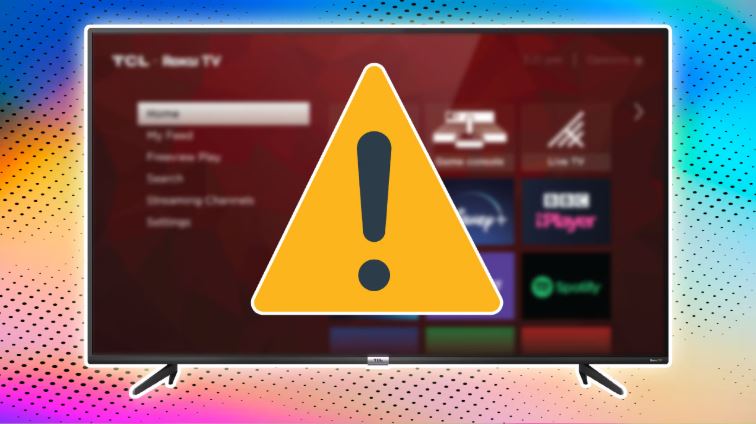
📌 Protecting Your Smart TV from Cyber Threats
Smart TVs offer great convenience, but they also pose security risks due to their internet connectivity and built-in apps. Hackers can exploit vulnerabilities to access your data or even spy on you. Follow these essential security tips to keep your Smart TV safe.
1️⃣ Keep Your Smart TV Updated
✅ Regularly update the operating system to fix security vulnerabilities.
✅ Go to Settings → Software Update and check for the latest firmware.
2️⃣ Change Default Passwords
🔐 Many Smart TVs come with weak default passwords. Change yours to a strong combination of uppercase, lowercase, numbers, and symbols.
3️⃣ Disable Unnecessary Features
🚫 Turn off camera and microphone when not in use.
🚫 Disable Remote Access and UPnP to prevent unauthorized access.
4️⃣ Review App Permissions
🔎 Delete unknown or unused apps from your Smart TV.
🔎 Install apps only from official stores like the TV manufacturer’s app store.
5️⃣ Secure Your Internet Connection
🌐 Use a strong Wi-Fi password with WPA2 or WPA3 encryption.
🌐 Set up a separate network for your Smart TV.
🌐 Avoid connecting to public or open Wi-Fi networks.
6️⃣ Enable a Firewall
🛡️ Configure your router’s firewall to block unauthorized connections.
🛡️ Consider using advanced security software for network monitoring.
7️⃣ Watch for Unusual Behavior
🚨 Signs of hacking include:
❌ TV turning on/off by itself.
❌ Unexpected settings changes.
❌ Unrecognized apps appearing on your TV.
8️⃣ Factory Reset if Needed
🔄 If you suspect hacking, perform a Factory Reset via:
Settings → System → Factory Reset
✅ Reconfigure security settings after the reset.
9️⃣ Use a VPN for Privacy
🧩 If supported, enable VPN protection on your Smart TV to encrypt data and block tracking.
🔟 Secure Connected Devices
🔑 Your TV’s security is only as strong as the devices connected to it.
✅ Keep phones, laptops, and routers updated and secured.
🔒 Final Tips:
✅ Never store sensitive data like passwords or payment details on your TV.
✅ Turn off your Smart TV when not in use for long periods.
✅ Review privacy settings regularly to maintain security.
📢 Have you faced security issues with your Smart TV? Share your experience!
🔹 Read More: Matrix219.Net – How to Secure Your Smart TV