
Change passwords first or reset your phone? This question causes more damage than almost any other mistake after phone hacking. Many people rush to factory reset, believing it will “wipe out” the attacker—only to find their accounts compromised again hours later. The reason is simple: the order matters more than the action.
This article explains the correct sequence, why changing passwords usually comes before resetting, and the few cases where a reset should happen first. If you want to stop an attacker from following you across devices, this decision has to be made correctly.
Quick Navigation
Why the Order Matters After Phone Hacking
Phone hacking rarely ends at the device.
What attackers usually control first
-
Email accounts
-
Cloud accounts (Apple ID / Google)
-
Password reset channels
If these remain compromised, resetting the phone often restores the attacker’s access instead of removing it.
For the full incident framework, see: If Your Phone Is Hacked: How to Know, What to Do, and How to Stay Safe
Why Changing Passwords Usually Comes First
Passwords are the real perimeter.
What changing passwords first accomplishes
-
Cuts off account-level access
-
Stops remote logins from other devices
-
Prevents password resets after cleanup
Where to start
-
Email account
-
Apple ID or Google account
-
Social media and messaging apps
A full, ordered recovery process is detailed here: If Your Phone Is Hacked: Step-by-Step Recovery Guide (Android & iPhone)
When Resetting the Phone First Makes Sense
There are rare exceptions.
Reset first only if:
-
You suspect live monitoring and can’t secure accounts
-
The phone is unusable or behaving dangerously
-
You need to isolate immediately and lack another device
Even then, resetting without securing accounts is temporary damage control, not recovery.
If you’re in the emergency phase, review: What to do immediately if your phone is hacked
The Risks of Resetting Before Securing Accounts
This is where many recoveries fail.
What goes wrong
-
Compromised email re-syncs accounts
-
Infected backups restore spyware
-
Attackers reset passwords again
A reset does not revoke cloud access or session tokens by itself.
Related guidance: Factory reset: when it works & when it doesn’t
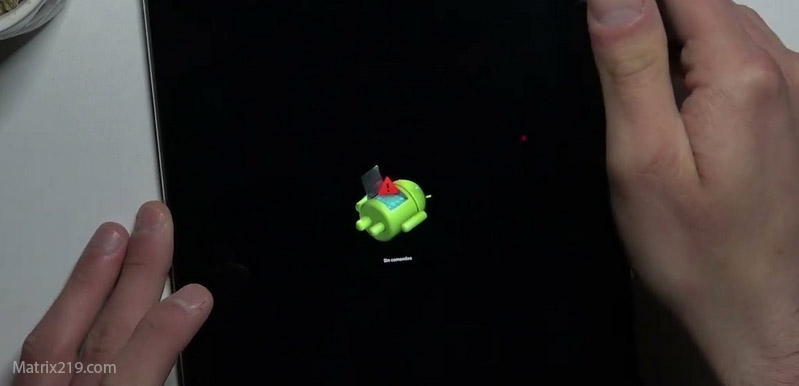
Factory reset when it works & when it doesn’t
The Correct Sequence for Most Scenarios
For most users, the safest order is consistent.
Recommended order
-
Isolate the phone
-
Secure email from a clean device
-
Secure Apple ID / Google account
-
Review connected devices and sessions
-
Then decide on reset or safe cleanup
This sequence prevents attackers from “following” you after cleanup.
Android vs iPhone: Does the Order Change?
The logic stays the same—but details differ.
On Android phones
-
Account sync can restore risky apps
-
Permission-based spyware may return via backup
Related context: Signs your Android phone is hacked
On iPhones
-
Apple ID controls almost everything
-
iCloud restore can reintroduce issues
Related context: Signs your iPhone is hacked
When You’re Unsure Which Step Comes First
Uncertainty itself is a signal.
Default rule
If accounts might be compromised → passwords first
If the phone cannot be trusted at all → isolate, then passwords
If both seem compromised, pause phone use and secure accounts from another device before touching the phone again.
Security incident guidance consistently shows that account recovery before device reset significantly reduces re-compromise rates, because attackers almost always rely on stored credentials rather than persistent system exploits Account recovery and device reset order best practices
Frequently Asked Questions
Is resetting faster than changing passwords?
Yes—but it’s often ineffective if done first.
Can I change passwords from the hacked phone?
No. Use a clean, trusted device.
Does resetting remove account access?
No. Accounts live outside the device.
What if I already reset first?
Secure accounts immediately and review sessions.
Do I need to change every password?
Start with email and critical accounts, then expand.