Crypto wallets on a hacked phone represent one of the highest-risk scenarios in any phone compromise. Unlike banks, most crypto systems have no chargebacks, no reversals, and no customer support that can undo a transaction. If private keys, seed phrases, or signing access are exposed, losses can be permanent—and often happen minutes or hours after the initial breach.
This guide explains what actually happens to crypto wallets when a phone is hacked, how to assess whether funds are at risk, and the safest recovery sequence to protect assets. The focus here is damage control, not false reassurance.
Quick Navigation
Why Crypto Wallets Are Especially Dangerous on a Compromised Phone
Crypto security assumes the device is trusted.
What attackers look for first
-
Hot wallets with signing access
-
Seed phrases saved in notes, screenshots, or cloud backups
-
Clipboard access during copy/paste
-
Browser wallets left logged in
If the phone is compromised, wallets are often the primary target, not an afterthought.
For the wider incident context, review: If Your Phone Is Hacked: How to Know, What to Do, and How to Stay Safe
Step 1: Stop Using Crypto Wallets Immediately
This step can prevent irreversible loss.
What to do right now
-
Do not open wallet apps
-
Do not sign transactions
-
Do not approve dApps or reconnect wallets
Assume anything done from the compromised phone can be observed or intercepted.
If you’re still in the emergency phase, start here: What to do immediately if your phone is hacked
Step 2: Assess What Type of Wallet Was Exposed
Risk depends heavily on wallet design.
Hot wallets (highest risk)
-
Mobile wallets
-
Browser wallets
-
Wallets tied to cloud backups
These are vulnerable if the phone was compromised.
Cold or hardware wallets (lower risk)
-
Hardware wallets with physical confirmation
-
Wallets never connected to the phone
Even here, seed phrase exposure changes everything.
If you’re unsure whether compromise signs are real, review: If your phone is hacked how to know
Step 3: Secure Accounts That Could Restore Wallet Access
Wallet compromise often comes through accounts.
Accounts to lock down first
-
Email
-
Apple ID or Google account
-
Cloud backup services
If an attacker controls these, they can restore wallet apps or recover seeds after cleanup.
Follow the correct recovery order here: If Your Phone Is Hacked: Step-by-Step Recovery Guide (Android & iPhone)
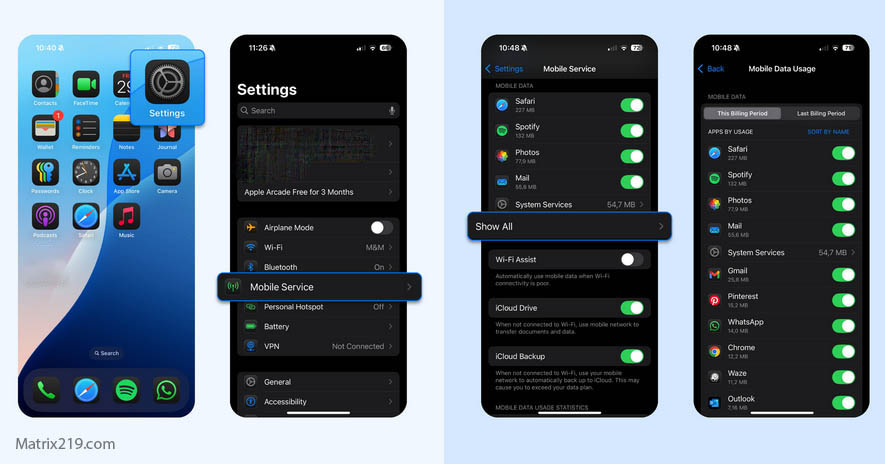
If Your Phone Is Hacked Step-by-Step Recovery Guide Android & iPhone
Step 4: Decide Whether Funds Must Be Moved
This is the hardest decision.
You should move funds if:
-
The wallet was a hot wallet
-
Seed phrases were stored digitally
-
Spyware or screen access was suspected
You may delay if:
-
The wallet is hardware-based
-
The seed was never exposed
-
The phone was isolated early
If you move funds:
-
Use a clean, trusted device
-
Create a new wallet with a new seed
-
Assume the old wallet is permanently unsafe
Never move funds back to a wallet once considered compromised.
Step 5: Clean or Replace the Phone Before Re-Using Crypto
Crypto access should be last—not first—to return.
Before using wallets again
-
Phone must be cleaned or reset
-
Accounts and cloud access must be secured
-
No unknown permissions or apps remain
For safe access removal, review: Remove hacker access safely
If recovery is uncertain, using a new device dedicated to crypto only is often the safest option.
Common Crypto Mistakes After Phone Hacking
These mistakes cause most permanent losses.
High-risk errors
-
Trusting “no suspicious transactions yet”
-
Reusing the same wallet after cleanup
-
Restoring wallets from old cloud backups
-
Storing seed phrases digitally again
Crypto security does not forgive second chances.
When Crypto Loss Is Likely Already Occurring
Treat this as critical if:
-
Transactions appear you didn’t approve
-
Wallet connections persist after disconnection
-
Gas fees or approvals are consumed silently
At that point, move remaining funds immediately from a clean environment and consider the compromised wallet burned.
Security research and incident reports consistently show that crypto losses following phone compromise are usually caused by exposed seed phrases, clipboard interception, or silent transaction approval—not by breaking blockchain security itself Cryptocurrency wallet compromise and mobile threat analysis
Frequently Asked Questions
Can hackers steal crypto without my seed phrase?
Yes—if they can sign transactions through a hot wallet.
Is biometric protection enough for crypto wallets?
No. Biometrics protect the app, not the keys.
Should I delete the wallet app?
Only after securing accounts and deciding whether funds must be moved.
Is a new phone required for crypto safety?
Often yes—especially after confirmed spyware.
Can exchanges help recover stolen crypto?
Usually no. Blockchain transactions are final.