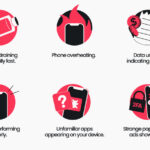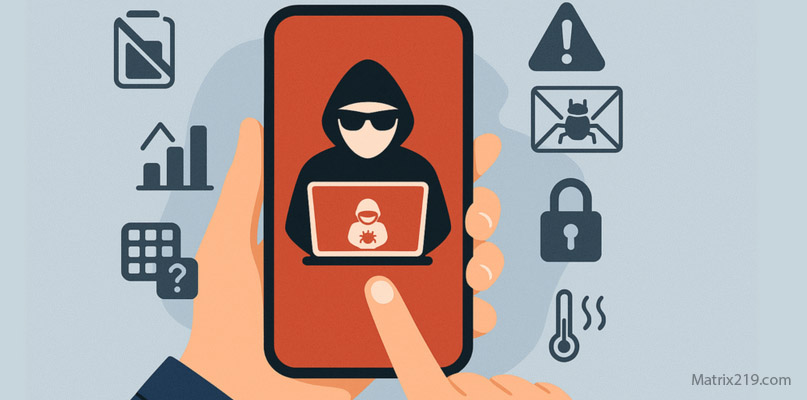
If your phone is hacked how to know is usually the first question people ask when their device starts behaving strangely without a clear reason. Most phone compromises don’t begin with dramatic signs. Instead, they reveal themselves through subtle changes—unexpected account alerts, unusual background activity, or permissions you don’t remember granting.
This article helps you separate real warning signs from common phone issues. You’ll learn how attackers hide on phones, which symptoms matter most, and when suspicion crosses into confirmation. If you’re unsure whether you’re facing a real security incident or just a technical glitch, this guide gives you a reliable framework to decide your next step safely.
Quick Navigation
How to Tell If a Phone Is Compromised
A hacked phone rarely shows just one symptom. Real compromise appears as patterns over time.
Behavioral indicators linked to phone compromise
-
Apps opening or closing without interaction
-
Screen activity while the phone is idle
-
System settings changing on their own
These signals become more serious when combined with account issues or permission abuse.
For the full big-picture response framework, review: If Your Phone Is Hacked: How to Know, What to Do, and How to Stay Safe
Account Activity That Suggests a Hacked Phone
In many cases, users discover phone hacking through account alerts, not device behavior.
Red flags tied to compromised accounts
-
Password reset emails you didn’t request
-
Login notifications from unfamiliar locations
-
Messages sent from your accounts without consent
If accounts are already affected, device cleanup alone is not enough. A structured recovery path is covered here: If Your Phone Is Hacked: Step-by-Step Recovery Guide (Android & iPhone)
Battery Drain, Overheating, and Data Spikes Explained
Performance issues can be misleading unless you know what to look for.
When battery drain is meaningful
-
Persistent drain even when idle
-
Heat combined with background data usage
When it’s probably not hacking
-
After OS updates
-
During app syncing or cloud backups
To understand how attackers hide behind normal behavior, see: How hackers hide on phones
Unknown Apps and Dangerous Permissions
This is where many real compromises are exposed.
Apps you should question immediately
-
Apps installed outside official stores
-
Tools pretending to be system services
Permissions often abused by spyware
-
Accessibility access
-
Device administrator rights
-
VPN or configuration profiles
If you find unexplained access here, further investigation is justified.
Hacked Phone vs Normal Bugs: How to Tell the Difference
Not every glitch is a security issue.
Normal phone problems include
-
Temporary lag
-
Battery health degradation
-
Aggressive but legitimate apps
Signs that point to hacking instead
-
Multiple symptoms across apps and accounts
-
Changes you cannot reverse
-
Repeated security alerts
At this stage, escalation—not guesswork—is the safer option.
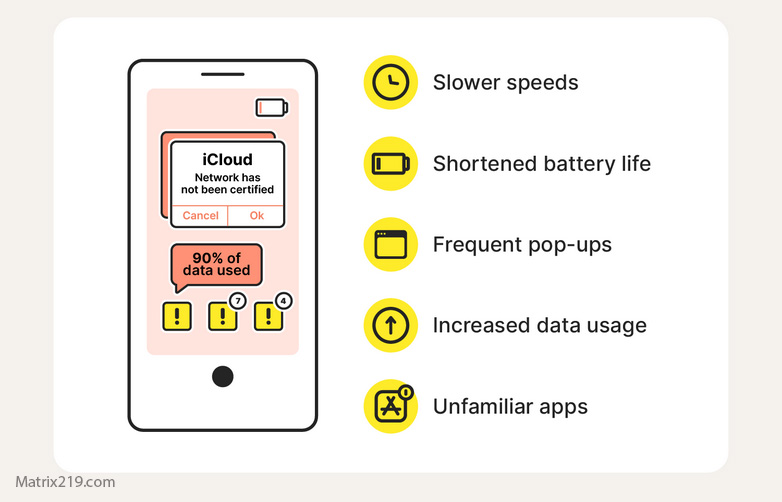
Can Security Apps Confirm Phone Hacking?
Security apps help, but they are not final proof.
What mobile security tools can detect
-
Known malware families
-
Risky permission usage
What they often miss
-
Permission-based spyware
-
Sophisticated monitoring apps
Manual checks and account audits remain essential.
When Suspicion Becomes Confirmation
Treat the phone as compromised if:
-
Accounts show unauthorized access
-
Unknown permissions cannot be removed
-
Behavior persists after safe-mode testing
At that point, containment and recovery matter more than diagnosis.
Frequently Asked Questions
Is one symptom enough to confirm hacking?
No. Real phone hacking shows patterns, not isolated issues.
Can hackers spy without obvious signs?
Yes. Permission-based spyware is designed to stay quiet.
Are iPhones immune to phone hacking?
No. Account-based attacks affect all platforms.
Should I keep using the phone while checking?
Limit usage until active compromise is ruled out.
Is antivirus enough to stay safe?
It helps, but it cannot detect everything.
External Reference
For general consumer guidance on recognizing device compromise, see: Mobile malware and device security overview