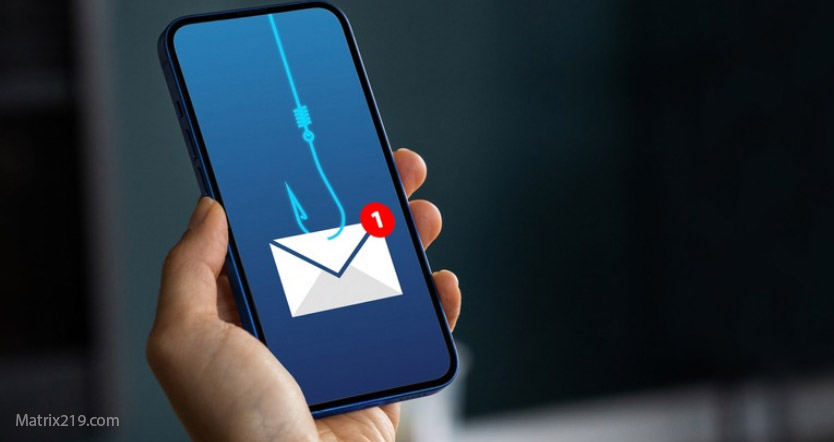
Work phone hacked situations are different—and more sensitive—than personal phone incidents. When a company-owned or work-managed phone is compromised, the risks extend beyond your own data to company systems, client information, and legal responsibility. Well-intended personal fixes can actually violate policy, destroy evidence, or worsen the incident.
This guide explains what to do when a work phone is hacked, how to protect yourself professionally, and how to cooperate with IT or security teams without making the situation worse. The goal is containment, transparency, and compliance—not heroics.
Quick Navigation
Why Work Phone Compromises Are More Serious
Work phones are part of a larger security environment.
What a hacked work phone can expose
-
Corporate email and VPN access
-
Internal systems and cloud services
-
Client or customer data
-
Company credentials stored in apps
This makes unauthorized personal actions risky.
For the general incident framework, review: If Your Phone Is Hacked: How to Know, What to Do, and How to Stay Safe
Step 1: Stop Using the Work Phone Immediately
Containment comes before curiosity.
What to do right away
-
Stop accessing work apps and email
-
Do not open files or links
-
Do not attempt fixes on your own
If live monitoring is suspected, isolate the device.
Emergency sequencing is explained here: What to do immediately if your phone is hacked
Step 2: Notify IT or Security—Early and Clearly
Early reporting protects you.
How to report correctly
-
Use official IT/security channels
-
Report suspected device compromise, not assumptions
-
Share what you observed and when
Avoid speculating about causes or attackers—stick to facts.
Step 3: Do NOT Reset or Modify the Device
This is critical.
Why personal fixes are dangerous
-
They can destroy forensic evidence
-
They may violate company policy
-
They can interfere with legal or compliance processes
Even deleting apps can be considered tampering in some environments.
For mistakes to avoid, read: What not to do after phone hacking
Step 4: Follow IT Instructions Exactly
Once IT is involved, your role changes.
What IT may ask you to do
-
Power off or isolate the phone
-
Hand it in for analysis
-
Change passwords from a company-approved device
-
Verify recent activity
Follow instructions precisely—even if they seem slow.
Step 5: Secure Your Personal Accounts Separately
Work response doesn’t cover your private life.
What to secure on a personal device
-
Personal email
-
Banking and crypto apps
-
Social media
Use a clean, non-work device and follow standard recovery steps.
For the correct recovery order, see: If Your Phone Is Hacked: Step-by-Step Recovery Guide (Android & iPhone)
If Your Phone Is Hacked Step-by-Step Recovery Guide Android & iPhone
Step 6: Understand Your Responsibility and Protection
Transparency usually works in your favor.
Why early reporting matters
-
Reduces personal liability
-
Demonstrates good faith
-
Helps contain organizational damage
Most companies treat early reporters as victims—not culprits.
When Work Phone Hacking Becomes a Legal Issue
Escalation can happen quickly.
High-risk scenarios
-
Client data exposure
-
Regulated industries (finance, healthcare)
-
Repeated incidents or delayed reporting
In these cases, follow company legal and HR guidance strictly.
Corporate security best practices consistently stress that employees should never attempt independent remediation on managed devices, because coordinated response and evidence preservation are essential for containment, compliance, and legal protection Enterprise mobile incident response best practices
Frequently Asked Questions
Should I try to “fix” the phone before telling IT?
No. That can cause policy and legal problems.
Can I be blamed for a hacked work phone?
Early reporting usually protects you.
What if IT is slow to respond?
Document your report and follow interim isolation guidance.
Should I back up work data myself?
No. Let IT handle data preservation.
Can I keep using my personal phone for work meanwhile?
Only if IT explicitly approves it.