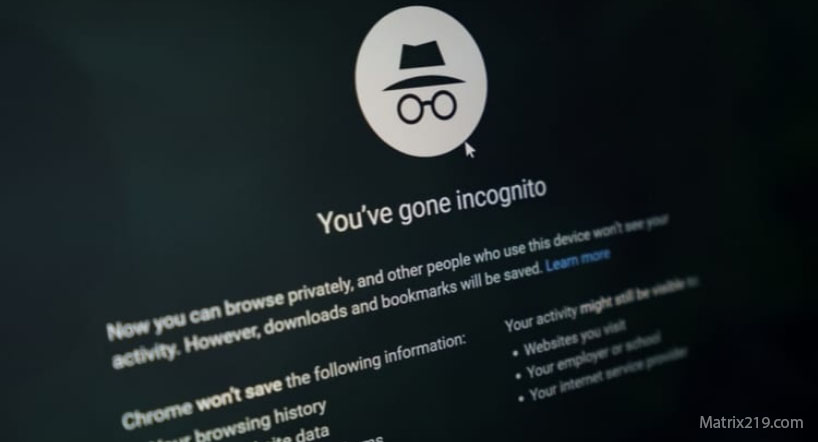
Private Browsing Explained is essential because incognito and private modes are among the most misunderstood privacy features. Many users assume that opening a private window makes their activity invisible to websites, advertisers, or internet providers.
In reality, private browsing was never designed to provide full online privacy. Its purpose is far more limited, and misunderstanding its role often leads to overconfidence and unnecessary data exposure.
This article explains what private browsing actually does, what it does not do, and how it fits into a realistic digital privacy strategy.
Quick Navigation
What Private Browsing Is Designed For
Private browsing modes are primarily designed to prevent local data storage. When enabled, the browser does not save browsing history, cookies, or form data after the session ends.
This is useful on shared or public devices. It ensures that the next user cannot see your activity, but it does not hide activity from external parties.
To understand broader tracking systems, see: Digital Privacy and Online Tracking: How You’re Tracked Online and How to Protect Yourself
What Incognito Mode Actually Hides
Private browsing hides local artifacts such as visited URLs, cached files, and saved login sessions. Once the window is closed, this data is removed from the device.
It also isolates cookies within the session, meaning websites do not retain them after the session ends. However, this isolation is temporary and limited.
What Private Browsing Does Not Hide
Private browsing does not hide activity from websites, advertisers, or internet service providers. Your IP address, browser fingerprint, and network traffic remain visible.
Account-based tracking still applies if you log into services. Fingerprinting techniques work regardless of private mode.
A technical breakdown of these methods is explained here: How Websites Track You
Private Browsing vs Privacy Tools
Private browsing is often confused with privacy tools such as VPNs or tracking blockers. Unlike these tools, private browsing does not actively block trackers or anonymize traffic.
It should be seen as a convenience feature, not a privacy solution.
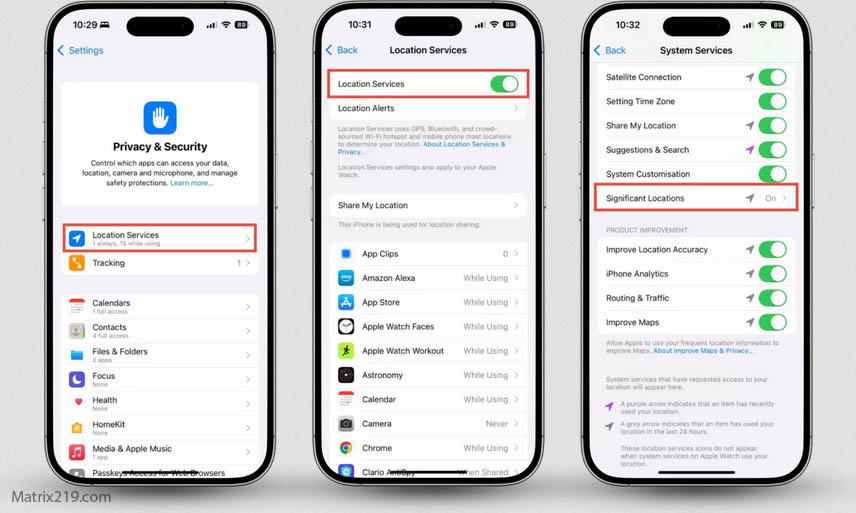
For realistic ways to reduce tracking, review: How to Stop Online Tracking
How to Stop Online Tracking
When Private Browsing Is Useful
Private browsing is useful for logging into secondary accounts, testing websites, or using shared computers. It prevents cross-session contamination of cookies and logins.
In these scenarios, it improves local privacy but should not be relied on for external privacy protection.
Common Myths About Incognito Mode
One common myth is that private browsing prevents all tracking. Another is that it hides activity from employers or internet providers.
These myths persist because the term “private” is misleading. Understanding its limitations helps avoid false security assumptions.
To see how apps and devices still track users, review: How Apps Track You
How to Use Private Browsing Correctly
Private browsing should be combined with other privacy-aware habits. Avoid logging into unnecessary accounts and be aware of what data is still exposed.
Used correctly, it supports privacy goals rather than undermining them through misunderstanding.
FAQ
Does private browsing hide my IP address?
No. Your IP address remains visible to websites and networks.
Can private browsing stop fingerprinting?
No. Browser fingerprinting still works in private mode.
Is incognito mode useful at all?
Yes. It protects local privacy on shared or public devices.
Does private browsing stop ads?
No. Ads and trackers still load normally.
Should private browsing be part of a privacy strategy?
Yes, but only as a small supporting tool, not a primary solution.