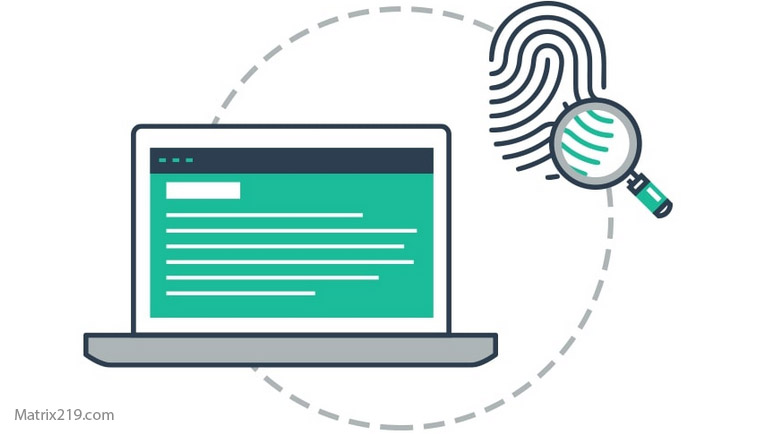
Device Fingerprinting vs Browser Fingerprinting is a comparison many users miss when trying to understand how tracking persists even after clearing cookies or switching browsers. While both techniques aim to identify users without relying on stored identifiers, they operate at different levels and use different signals.
Understanding the distinction between device-level and browser-level fingerprinting helps explain why tracking often continues despite common privacy measures. It also clarifies which actions actually reduce exposure and which ones have limited impact.
This article explains how each fingerprinting method works, how they differ, and why both matter for digital privacy.
Quick Navigation
What Browser Fingerprinting Is
Browser fingerprinting identifies users based on characteristics exposed by the browser. These include browser version, installed fonts, screen resolution, language settings, and supported features.
Because browsers must expose this information to function properly, fingerprinting scripts can collect it passively during page loads.
A detailed explanation of browser fingerprinting is covered here: Browser Fingerprinting Explained
What Device Fingerprinting Is
Device fingerprinting operates at a broader level. It combines hardware, system, and network signals to recognize a physical device rather than a specific browser.
Signals may include operating system details, hardware configuration, sensor behavior, and network characteristics. This allows recognition even when users switch browsers.
How Device Fingerprinting Persists Across Browsers
Changing browsers may alter browser-level signals, but many device-level characteristics remain stable. This allows trackers to correlate activity across browsers on the same device.
This is why users sometimes notice tracking continuity even after installing new browsers or using private modes.
To understand how websites correlate signals, review: How Websites Track You
Device Fingerprinting in Mobile Environments
Mobile devices expose fewer browser signals but more system-level identifiers. Sensors, app behavior, and operating system features contribute to device fingerprinting.
This makes device-level tracking particularly effective on smartphones and tablets.
App-based tracking mechanisms are explained in detail here: How Apps Track You
How Apps Track You
Why Fingerprinting Is Hard to Block
Fingerprinting relies on normal system behavior. Blocking too many signals can break website functionality or make users stand out.
As a result, most privacy strategies aim to reduce fingerprint uniqueness rather than eliminate fingerprinting entirely.
For practical reduction strategies, see: How to Stop Online Tracking
Browser vs Device Fingerprinting: Key Differences
Browser fingerprinting focuses on software-level characteristics and changes when browsers are updated or reconfigured.
Device fingerprinting focuses on hardware and system-level signals that change less frequently and persist across software changes.
Understanding both helps users set realistic expectations about privacy tools.
Which Fingerprinting Method Is More Invasive
Device fingerprinting is generally more invasive because it persists across browsers and sessions. Browser fingerprinting is easier to disrupt but still effective at scale.
Trackers often combine both methods to strengthen identification.
FAQ
Does switching browsers stop fingerprinting?
It may reduce browser fingerprinting but not device fingerprinting.
Is device fingerprinting legal?
Legality depends on region and disclosure requirements.
Can fingerprinting be completely blocked?
No. It can be reduced but not fully eliminated.
Are mobile devices easier to fingerprint?
Yes. System-level signals make device fingerprinting more effective.
Should users worry about fingerprinting?
Awareness helps users choose tools and habits that reduce exposure.